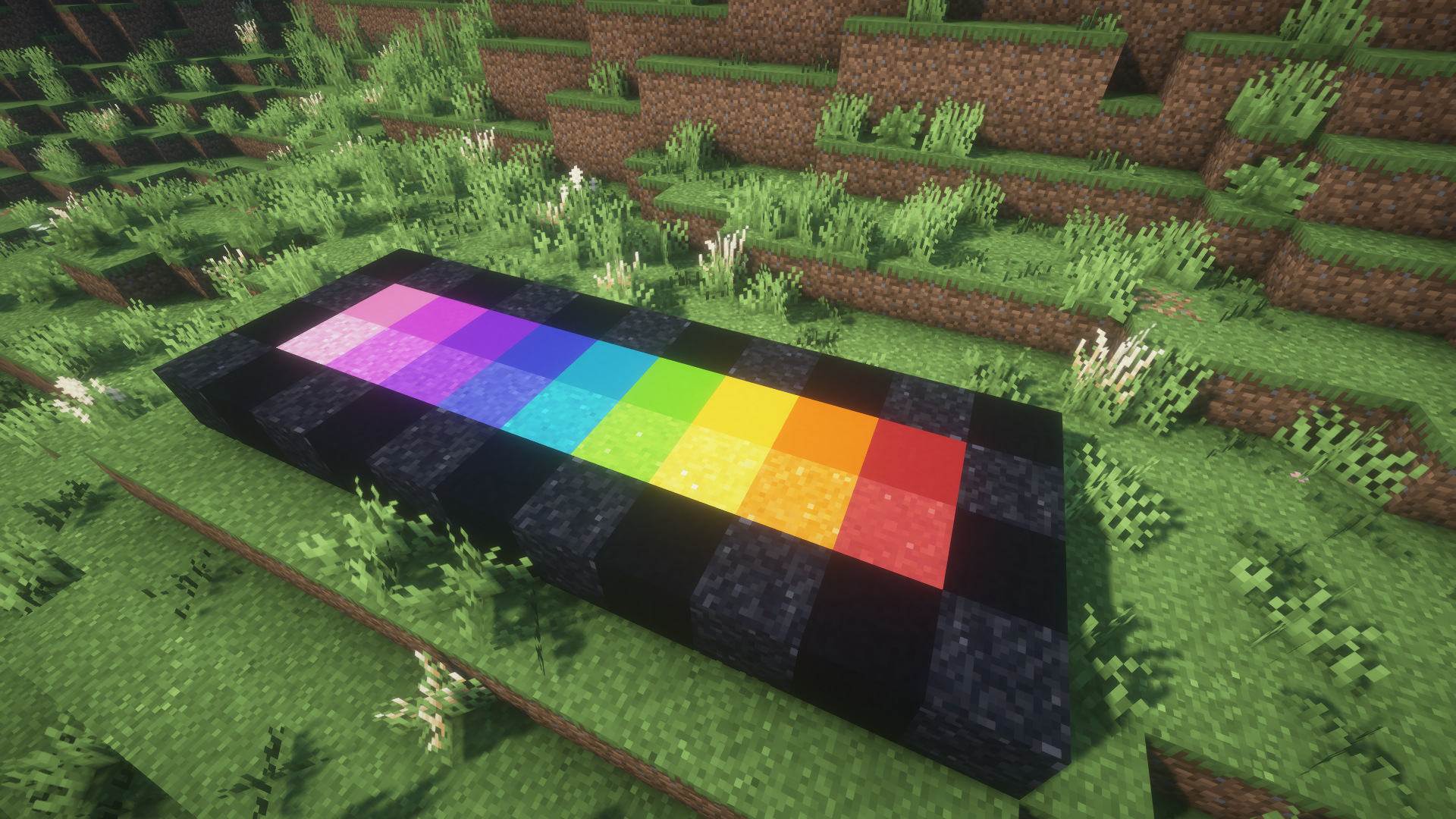

Minecraft can be an art form, and every artist needs a good selection of colors. Whether you are designing a cozy cottage, a weathered castle, or an enormous fantasy city, choosing the right combination of blocks can make a major difference. A carefully selected group of blocks are often called block palettes. Your palette may include a primary building material, supporting colors, darker or lighter variations, and a handful of decorative blocks for smaller details.
In this guide, we will go over several useful resources for finding Minecraft block palettes, creating your own palettes, and experimenting with gradients.
Block Palettes
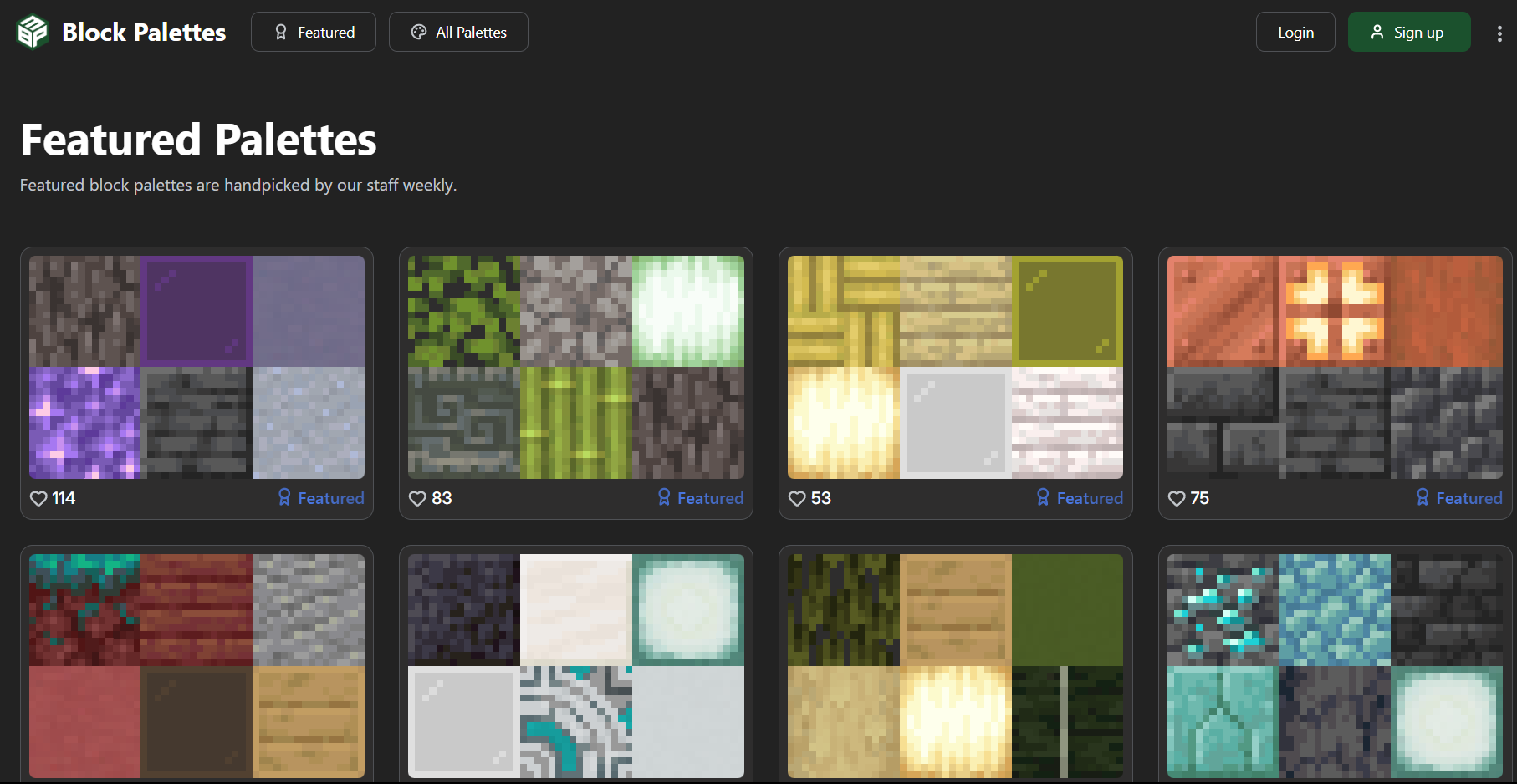
Block Palettes is a community-focused website built specifically for Minecraft builders. It allows players to browse palettes created by other users, making it an excellent source of inspiration when you are not sure where to begin.
The site includes featured palettes selected by its staff, recently submitted palettes, and filters for browsing by color. You can also create and share your own combinations.
This is a particularly useful option when you want to find a complete set of blocks that already work well together rather than building a palette from scratch.
BlockColors.app
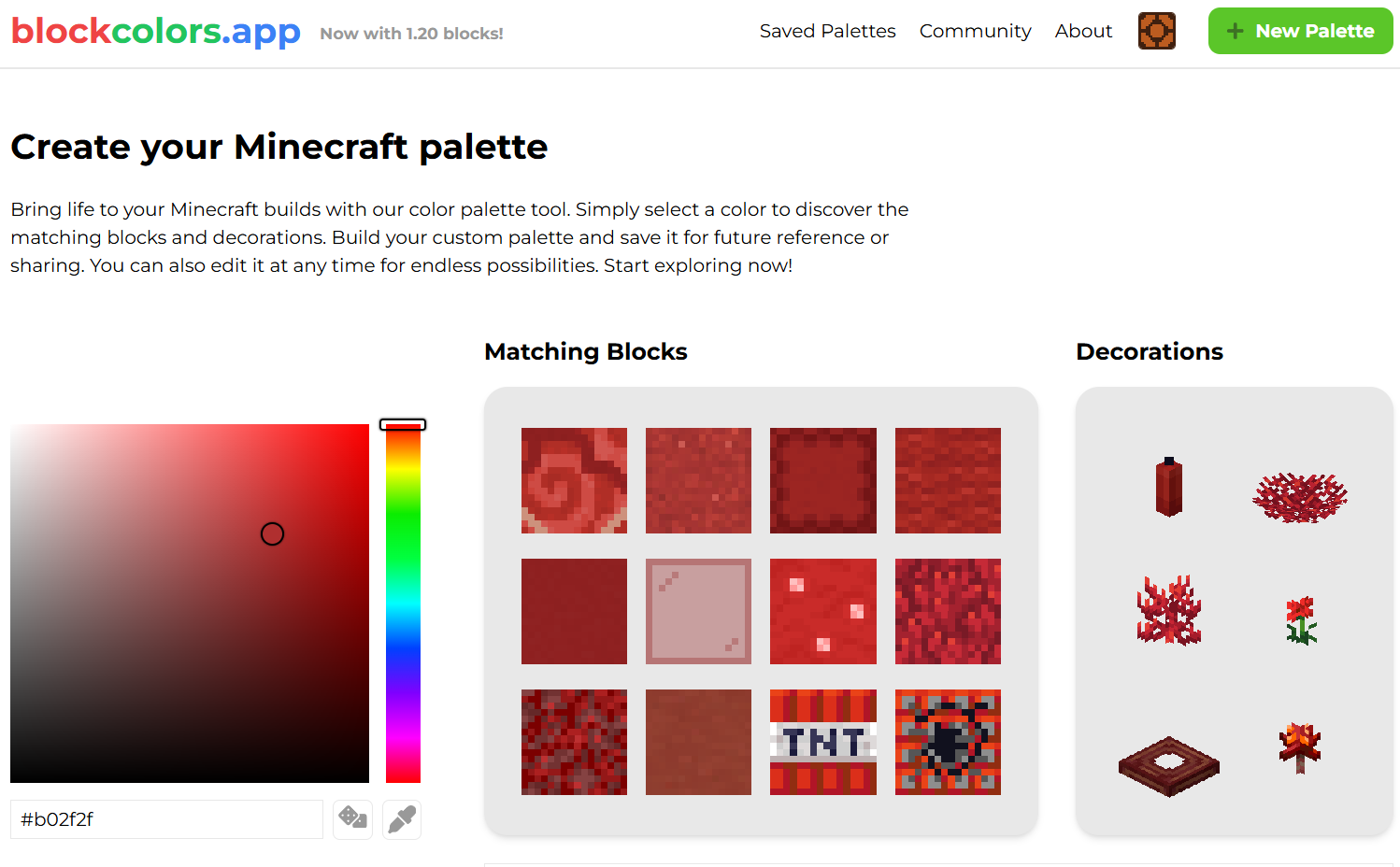
BlockColors.app takes a different approach. Instead of browsing complete community-made palettes, you can select a color and view Minecraft blocks that closely match it.
This makes it useful when you already have a particular color in mind but are unsure which blocks will work best. For example, you could choose a muted green for an overgrown structure or a warm orange for a desert-themed build and compare the available options.
The site also includes an eyedropper tool that allows you to select an existing Minecraft block and use its color as your starting point. You can then build, save, and share a custom palette around it.
Keep in mind that tools like this may not always include every newly added Minecraft block immediately after a game update.
HueBlocks
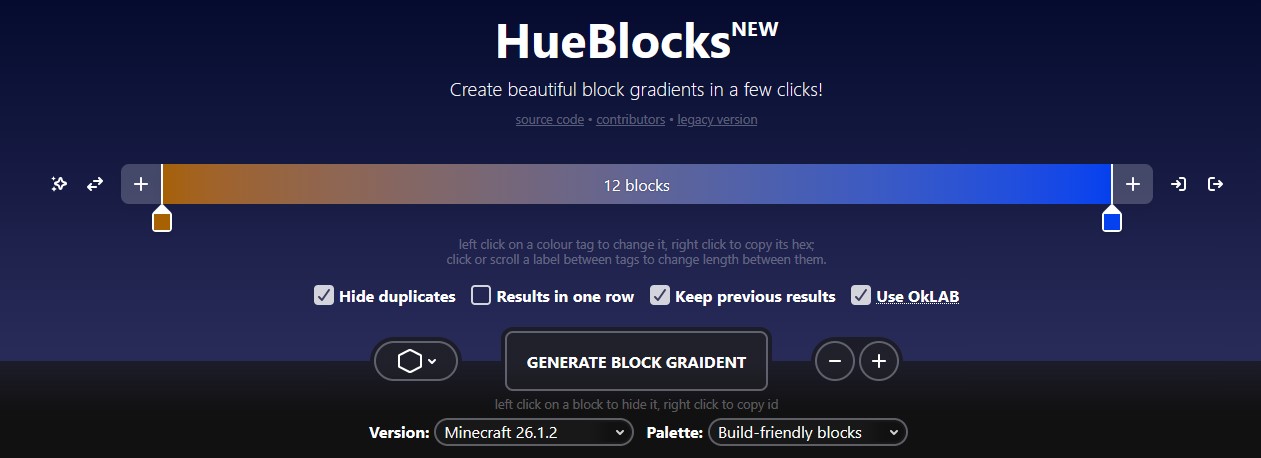
HueBlocks is especially useful when you want to create a gradient. Gradients use a sequence of blocks to transition gradually from one color or brightness level to another.
Instead of placing two dramatically different blocks directly beside one another, HueBlocks can suggest several blocks that create a smoother visual transition between them. This is useful for shading walls, adding depth to large builds, creating colorful pixel art, or producing dramatic fantasy structures.
You can adjust the length of the gradient and choose starting or ending colors based on specific Minecraft blocks.
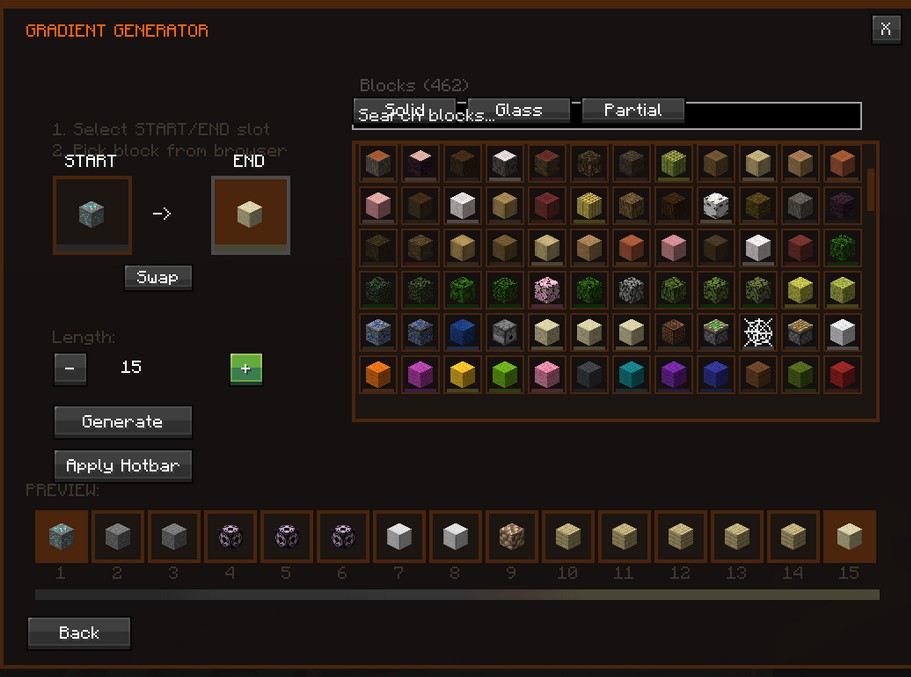
The Colorflow mod
The Colorflow mod is another option designed around color picking and gradient generation within the game.
Mods are not required to create strong palettes, but they can be useful when working on large Creative Mode projects. Always check that a mod is compatible with your Minecraft version and mod loader before installing it.
Here is a look at the Colorflow mod's Gradient Generator:
Creating Your Own Palette In-Game
External tools are useful, but you can also make a strong palette directly inside Minecraft. A simple way to begin is to place a row of blocks on the ground in a Creative Mode test world.
Start with your main material, then add a few blocks with similar or complementary colors. Try to include:
One primary building block
One darker block for frames, outlines, or shadows
One lighter block for highlights
One or two blocks with a different texture
A small number of accent blocks for details
For example, a wooden cottage might use oak planks for its walls, stripped spruce logs for its frame, stone bricks for its foundation, and a small amount of mossy cobblestone or leaves for additional detail.
Try not to judge blocks solely by color. Texture matters as well. Two blocks with nearly identical colors may still clash if one has a very noisy pattern and the other has a smooth surface.
It can also help to build a small sample wall before committing to a large project. View it from nearby and from farther away, and check how it looks in different lighting conditions. Some blocks, such as leaves and grass, can also appear different depending on the biome.
Other Places to Look
This is not an exhaustive list. YouTube building guides, Minecraft communities, forums, and social-media posts can all be useful sources of inspiration. Searching for builds in the style you want to create can help you discover block combinations that you may not have considered otherwise.
Do not be afraid to experiment. A good palette is not necessarily the one with the most blocks. Often, a small and consistent set of materials will produce the strongest result.
FAQs about SimpleGameHosting
Q: What is SimpleGameHosting?
A: SimpleGameHosting provides easy-to-use Minecraft server hosting, helping players set up multiplayer servers quickly and without hassle.
Q: Does SimpleGameHosting offer customer support?
A: Yes! SimpleGameHosting has a dedicated support team to help with any issues or questions regarding Minecraft server hosting.
Q: Can I host a modded Minecraft server with SimpleGameHosting?
A: Absolutely! SimpleGameHosting allows users to run modded Minecraft servers, perfect for players who want to customize their gaming experience.