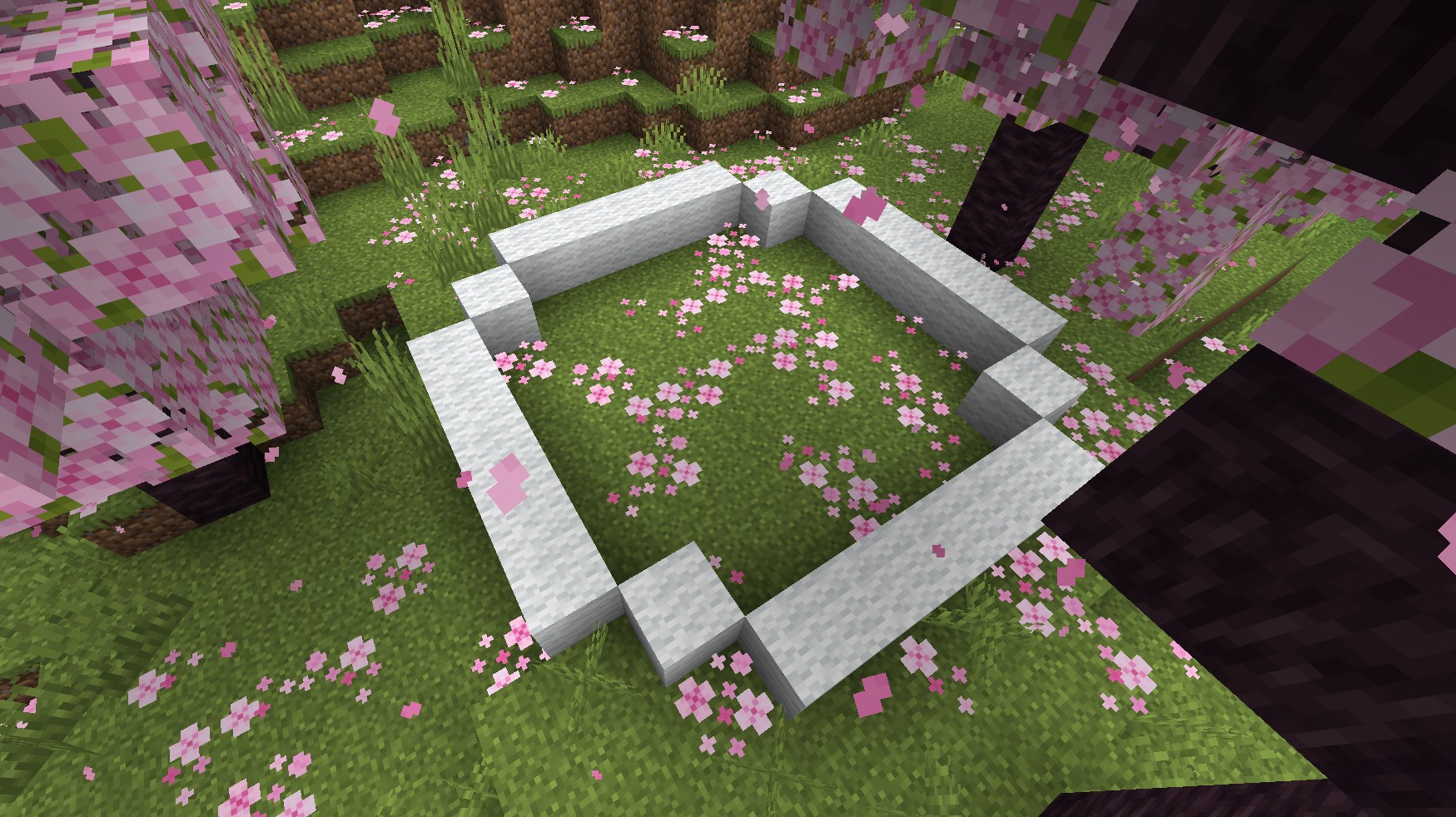
The Minecraft Circle Chart
A Minecraft circle chart is a helpful tool for building round shapes in a world made entirely of squares. Instead of guessing where to place each block, the chart provides a clear layout that you can follow in your own designs.
Circle charts come in a variety of sizes, from small outlines just a few blocks across to large diagrams spanning dozens of blocks. Whether you are adding a decorative detail or creating the base for a large structure, these charts provide a reliable guide. An example of a circle chart is shown below.
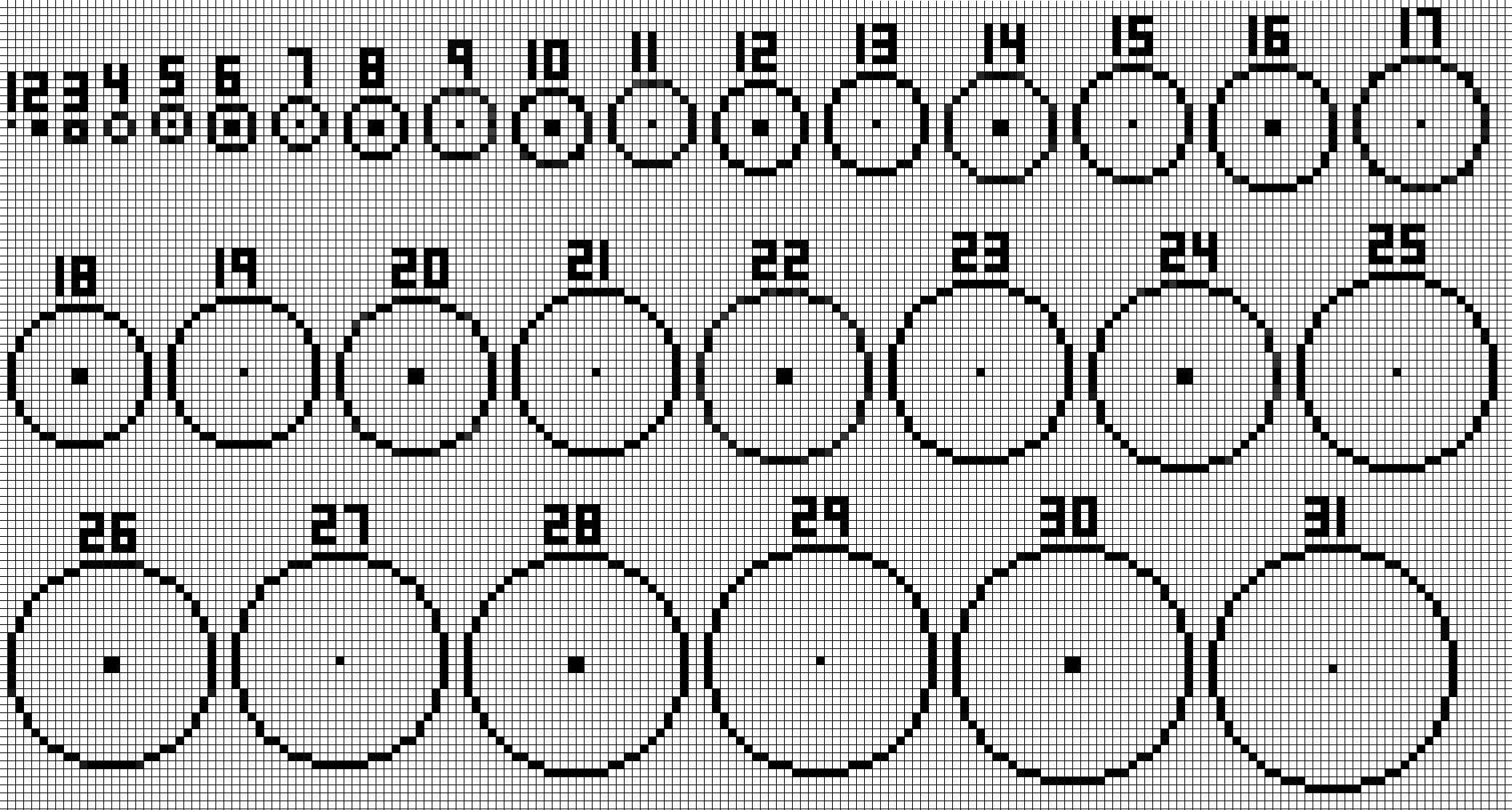
The shape of a circle depends on its size. Smaller circles use tightly grouped blocks to create sharper angles, while larger circles spread blocks out for smooth, flowing curves. By following a chart, you can ensure your circles remain balanced and symmetrical at any scale.
There are also online tools that make generating circles and shapes in Minecraft easier. Tools such as DonatStudios Pixel Circle/Oval Generator and the Minecraft Circle Generator by Omni Calculator can assist you in planning your build and visualizing the layout before placing any blocks in game.


Creating Your Circle
Now that you understand how a Minecraft circle chart works and how to generate circles using online tools, it is time to put that knowledge into practice.
Step 1: Choose a location
Before placing blocks, decide the purpose of your circle. The size of your design depends on the space available and the type of structure you are creating, whether it is a decorative feature, the base of a tower, or a dome.
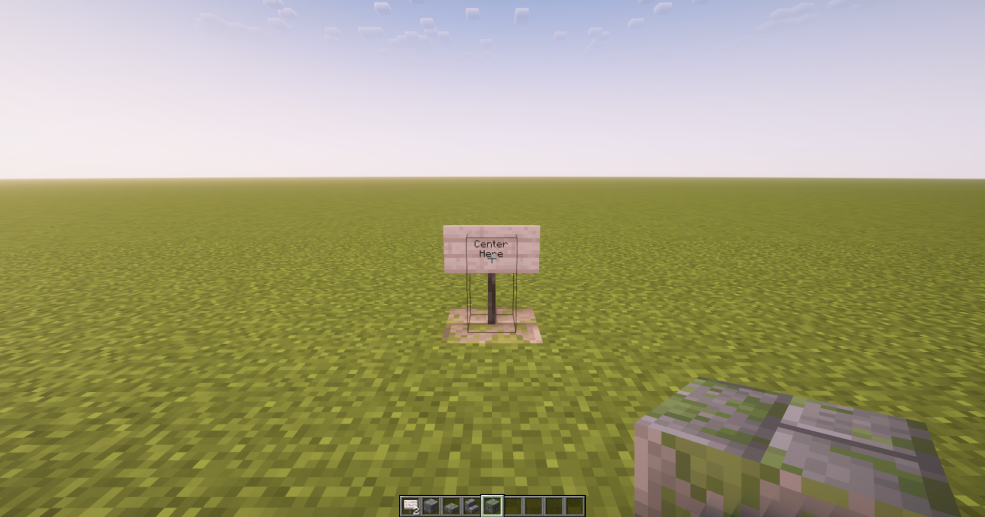
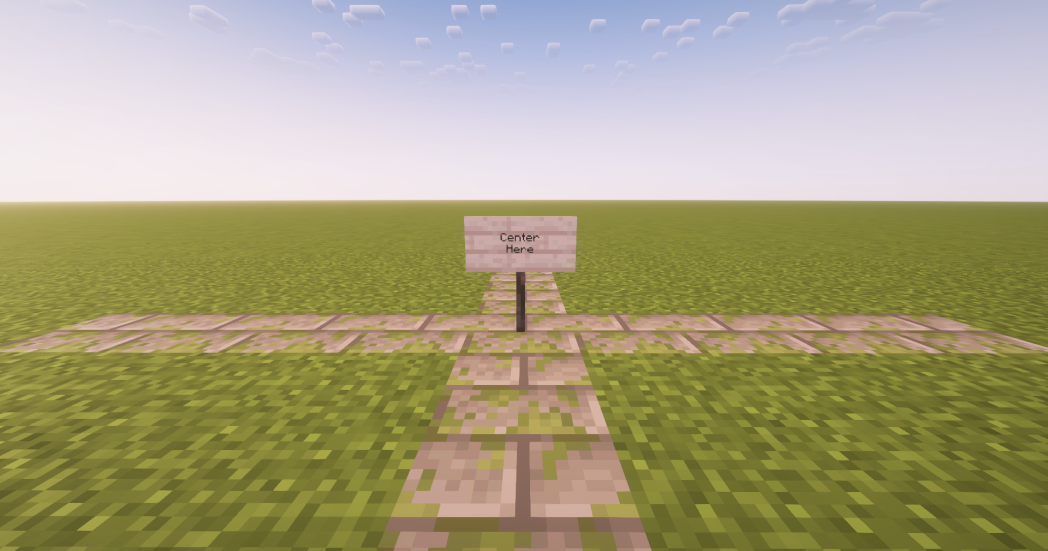
Once you determine the size, mark the center point with a block or a sign so you always know where the middle is located.
Step 2: Generate Your Circle
With your location marked, open a circle generator such as DonatStudios or Minecraft Circle Generator by Omni Calculator. For this guide, we will use DonatStudios.
The generator has several options:
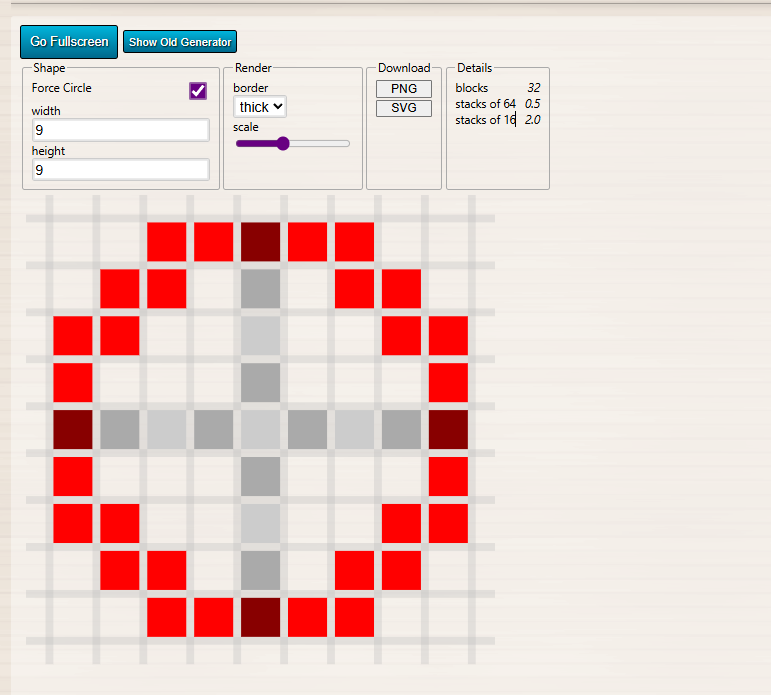
ShapeForce Circle: Ensures the outline is perfectly circular. Uncheck this if you want to adjust the shape to an oval or other design.
Width and Height: Set the dimensions of your circle. For a true circle, keep these numbers the same.
Render💡Tip: Choose odd numbers for width and height if you want a precise center block. Even numbers create a wider center area.
Border: Adjusts how thick the outline will be.
Scale: Enlarges the preview image to make it easier to see.
Allows you to save the chart as a PNG file for reference while building.
Shows how many blocks are required and the number of stacks of 16 or 64 needed.
Once your settings are finalized, you can either download the image, take a screenshot, or keep the window open for reference while building. It is also important to know how many blocks you will need.
For example, in the chart below with a width and height of nine blocks, a total of 32 blocks are required to complete the circle.
Step 3: Build Your Circle
Collect all the materials needed for your design, and bring extra blocks in case you need adjustments. Begin building from the center and place blocks layer by layer according to the chart.
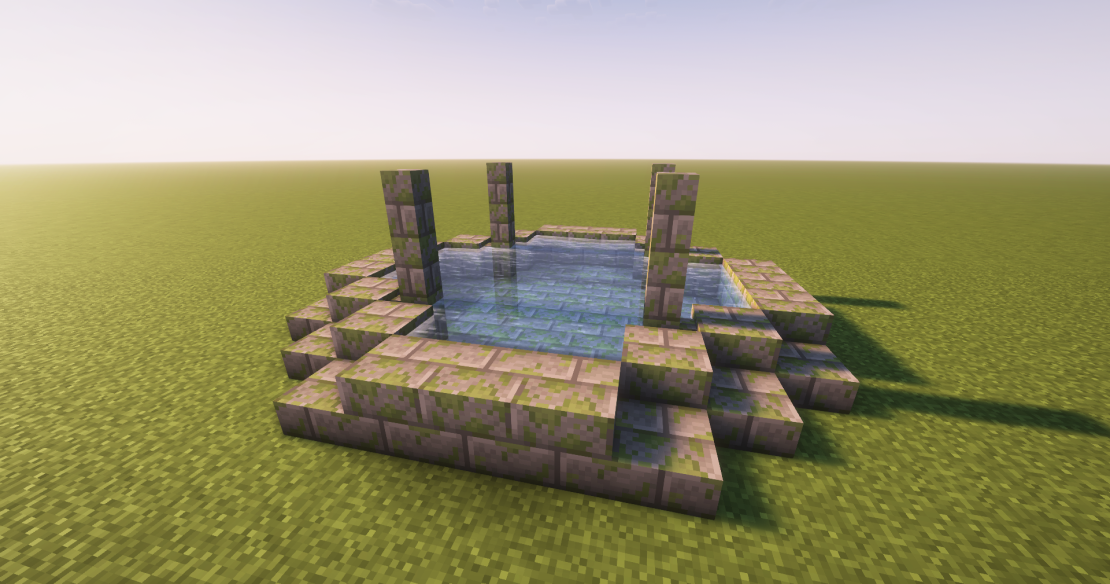
Check your progress often to ensure both sides are symmetrical and the edges connect correctly. Following the chart will result in a circle that looks even and smooth, no matter the size.
Once you're satisfied with the outline, you can begin filling in other details within the shape created to make a more aesthetic-looking object.
Now that you know how to create circles in Minecraft, if you want to tackle more advanced shapes such as spheres or ellipsoids, we recommend using a tool like Plotz Modeller For Minecraft.
FAQs about SimpleGameHosting
Q: What is SimpleGameHosting?
A: SimpleGameHosting provides easy-to-use Minecraft server hosting, helping players set up multiplayer servers quickly and without hassle.
Q: Does SimpleGameHosting offer customer support?
A: Yes! SimpleGameHosting has a dedicated support team to help with any issues or questions regarding Minecraft server hosting.
Q: Can I host a modded Minecraft server with SimpleGameHosting?
A: Absolutely! SimpleGameHosting allows users to run modded Minecraft servers, perfect for players who want to customize their gaming experience.