When it comes to the Bedrock Edition of Minecraft, which Realms uses, adding mods is not possible because they have to be installed directly on the player’s game client, which Bedrock does not allow. The good news is that you can still use add-ons, which work similarly. Add-ons can include resource packs that change how things look and behavior packs that adjust how the game plays. Together, these can make your world or server more exciting and unique.
Finding add-ons is easy, but where you get them depends on how your realm or world is hosted. For example, if you are hosting a realm using Minecraft’s official services, you are limited to the content available in their Marketplace. On the other hand, if your world is hosted through a third party provider like us at SimpleGameHosting, you can find add-ons on popular modding websites.
In this guide, we’ll cover where to find add-ons and the important information you need to know before setting them up.

Minecraft Bedrock Realms
Realms are worlds hosted by Mojang. They are quick and easy to set up, though they do come at a cost. To use add-ons on your Realm, you’ll need a Realms Plus subscription. Add-ons for Realms can be found in the official Minecraft DLC Marketplace. Some are free, while others may require a small purchase.
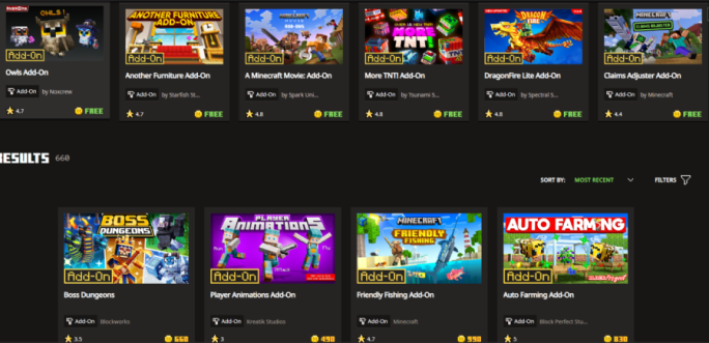
The Minecraft Marketplace is an in-game store for the Bedrock Edition where community creators share custom textures, skins, worlds, and unique game modes. Add-ons from the Marketplace can be used in single-player, multiplayer, and Realms worlds. However, they are not supported on personal servers outside the Realms service.
Setting up and installing add-ons from the Marketplace is simple. Below are a few helpful links to get you started:
Hosting Provider
If you are using a third-party hosting provider, like us at SimpleGameHosting, add-ons can be found on popular sites like CurseForge. Keep in mind that add-ons from the Minecraft Marketplace are not compatible with third-party servers because of the encryption used on those files.
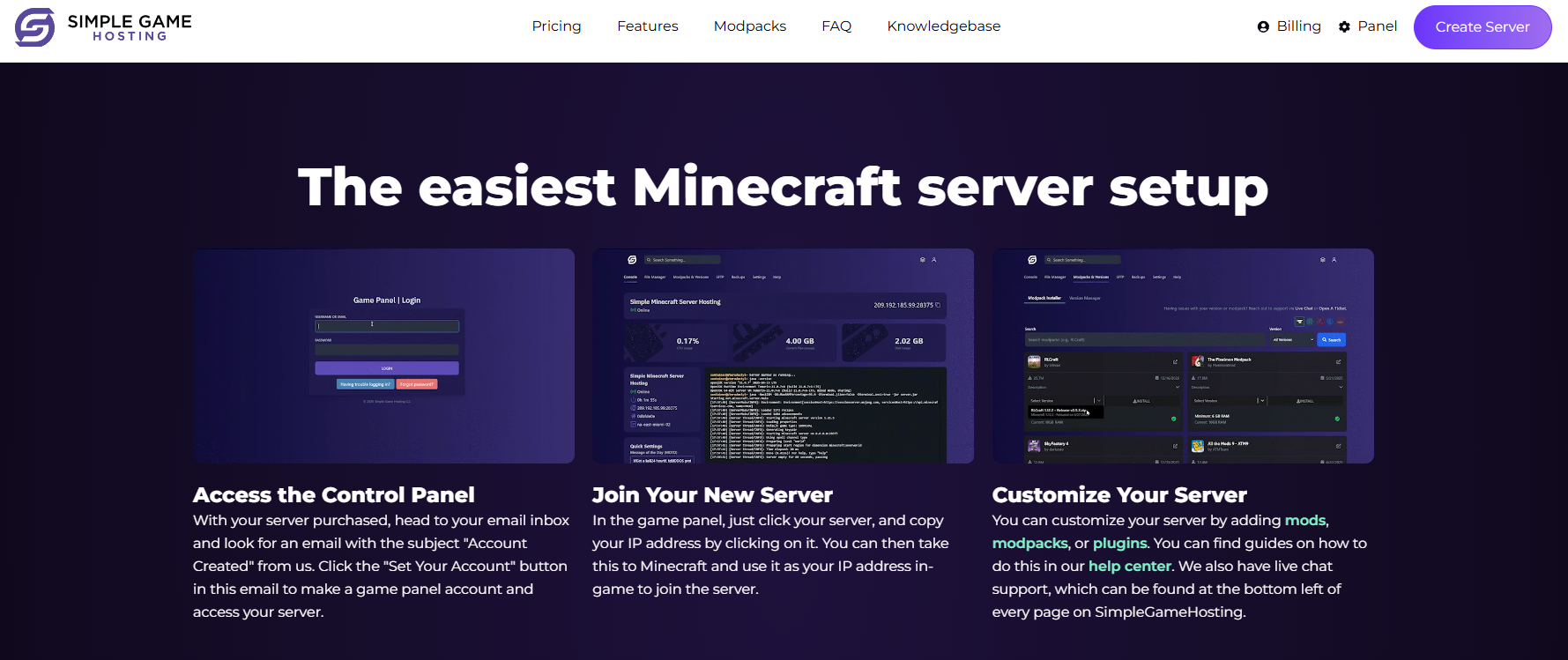

The benefit of using a provider like us is the flexibility you get. You can fully customize your addons, adjust configuration files, and tailor your setup exactly how you want it. You’ll also have complete control over your server through the control panel, where you can start or stop the server, manage whitelists, issue commands, edit server settings, and more.
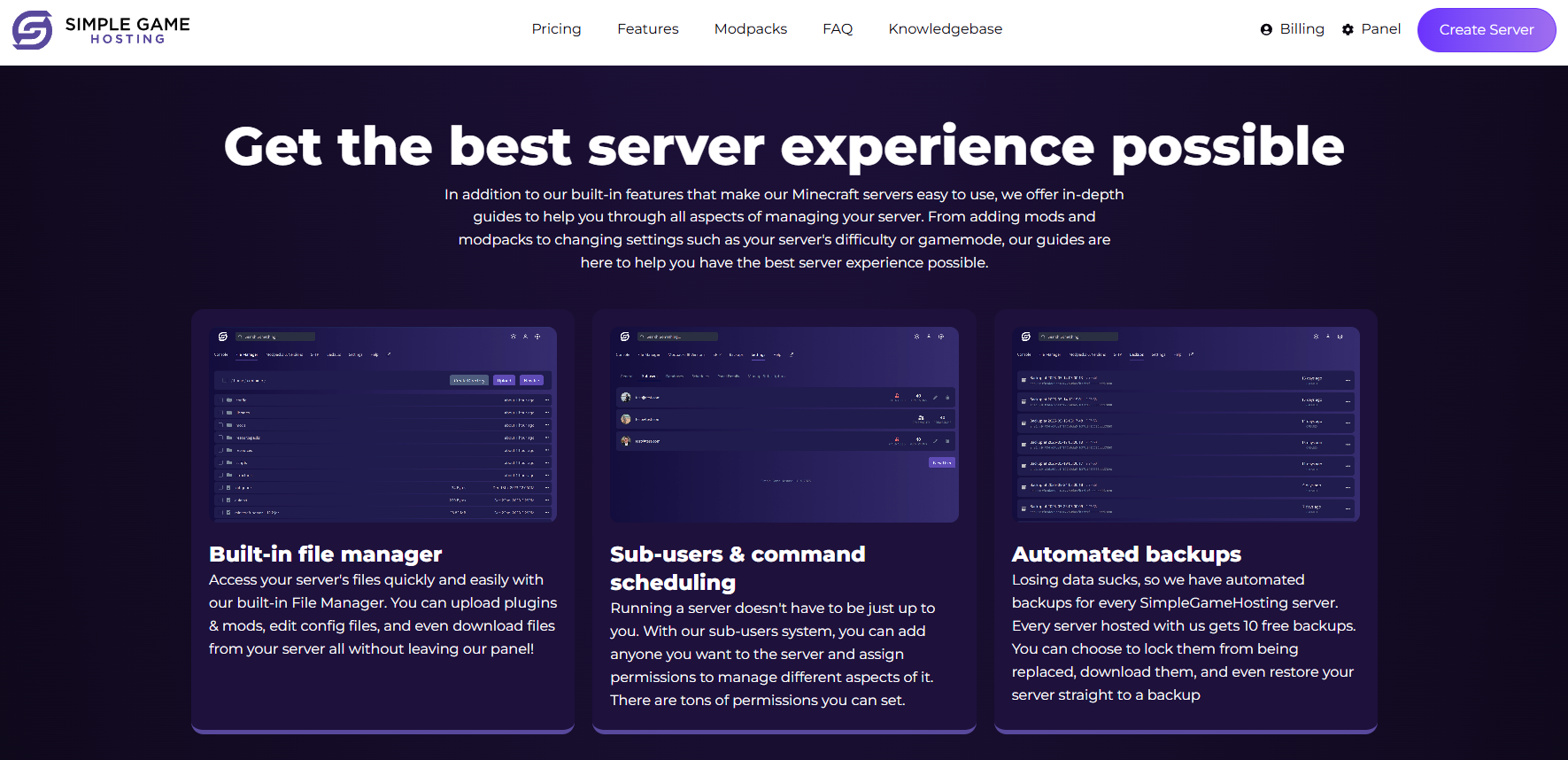
When installing add-ons, always make sure they are compatible with the version of Bedrock your server is running. Some add-ons may work across different versions, but it’s best to double-check before installing them to avoid any issues.
If you host your Bedrock server with us, installing add-ons is simple. You can follow our setup and installation guide here. If you ever run into problems or have questions, our support team is always happy to help. You can reach us by submitting a support ticket or chatting with us live.
Thinking About Switching to Java?
If you really want to take your Minecraft experience to the next level, consider switching to Java Edition. Java allows you to install popular modpacks such as BetterMinecraft, RLCraft, or Pixelmon, giving you much more creative freedom.
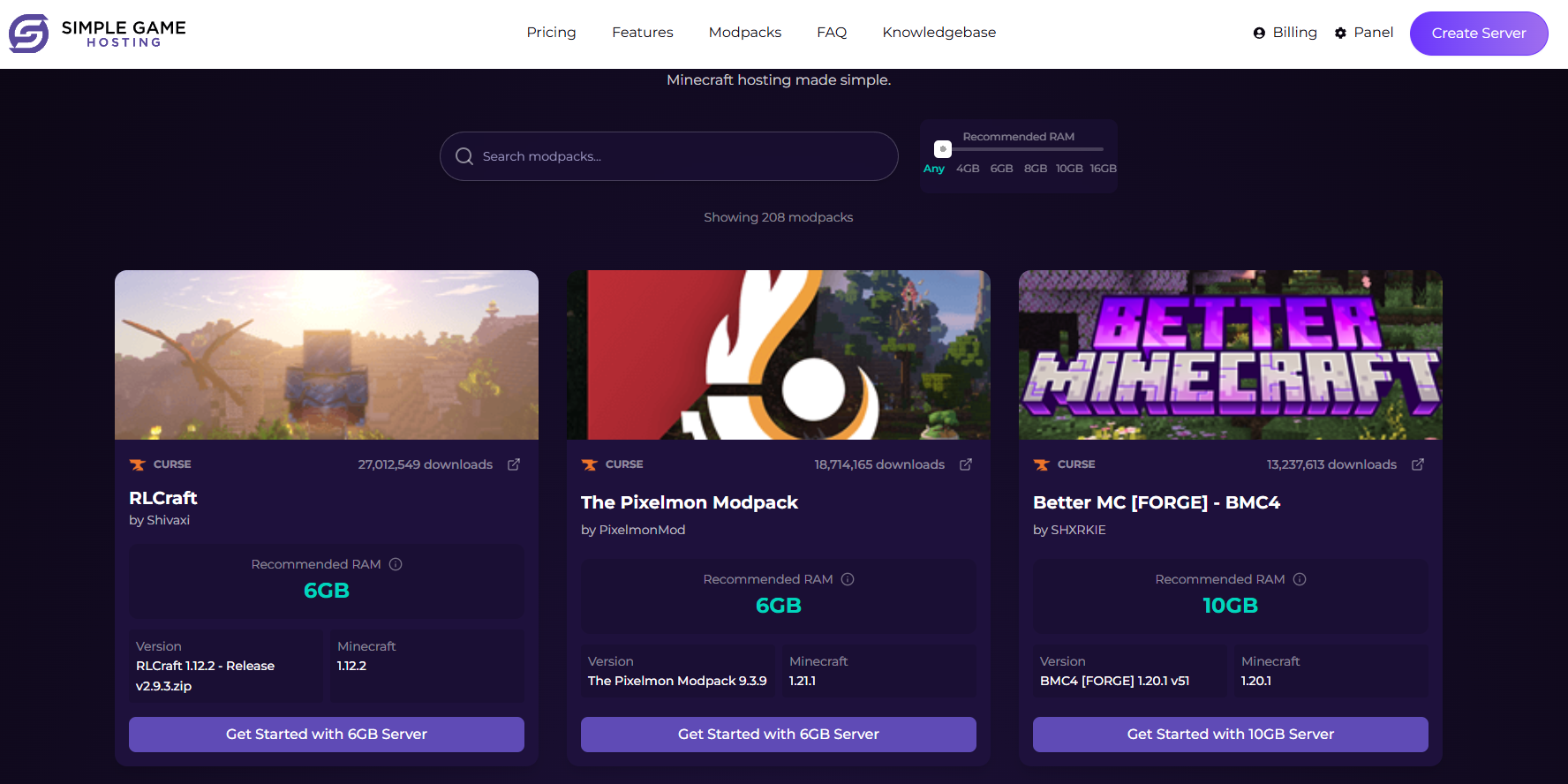
You can also set up individual mods to match your own preferences. Just make sure your server has enough RAM for the setup you want. If you’re unsure which RAM package to choose, you can check out our detailed help article or contact our support team for guidance through a support ticket or chatting with us live.
Java servers can even be set up for cross-play, letting you and your friends join from both Java and Bedrock editions. This requires using Geyser and Floodgate, but with our step-by-step guide and support, getting everything set up is easy.
FAQs about Modding
Q: Can you mod Minecraft Bedrock or Bedrock Realms the same way as Java?
A: No. Bedrock and Bedrock Realms do not support full Java-style modding with loaders like Forge or Fabric. Bedrock mainly supports add-ons, behavior packs, resource packs, and Marketplace content instead.
Q: Can I install mods on a Bedrock Realm?
A: Not in the normal Java sense. Realms for Bedrock can use certain packs and add-ons that are compatible with Bedrock, but you cannot install traditional server-side modpacks or custom jar-based mods like you can on Java servers.
Q: What should I use instead of mods on Bedrock?
A: On Bedrock, the closest alternatives are add-ons, behavior packs, texture packs, and Marketplace content. If someone wants deeper modding, larger modpacks, or more advanced customization, Java Edition is usually the better choice.